Process
The Klaviyo Flow Audit: How to Know What's Actually Working
Setting up flows in Klaviyo feels like progress. And it is - the first time. But flows drift. Offers go stale. Copy from your launch era no longer sounds like your brand. A flow audit is how you find out whether your automation is actually earning its keep or just quietly existing.
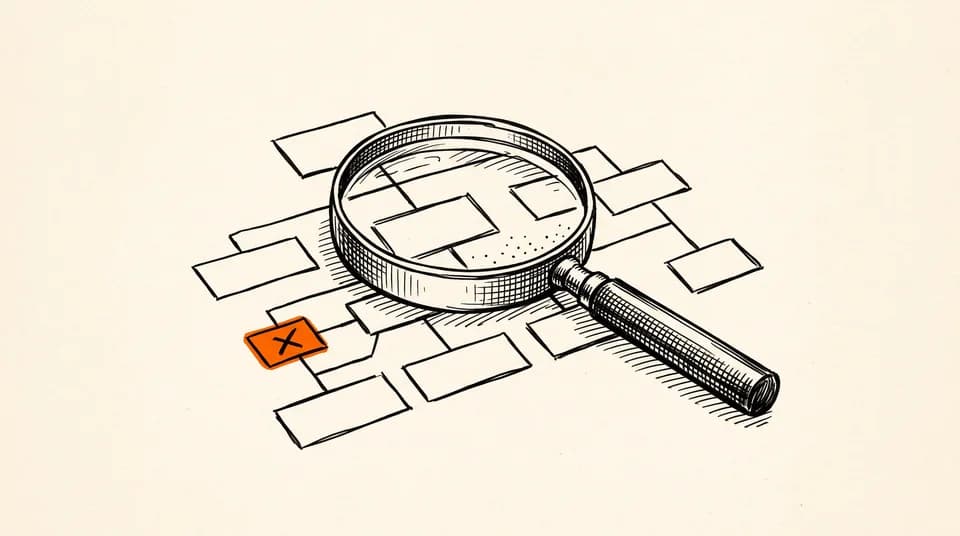
Most DTC teams audit their campaigns regularly but treat flows like infrastructure - set them once and assume they're running fine. The problem is that flows age badly and silently. A welcome series you built eighteen months ago might reference a promotion that ended, a product line you discontinued, or a brand tone you've since moved away from. Nobody flagged it because the flow is still technically sending.
Start With the Flow List, Not the Metrics
Before you open a single report, pull up your Klaviyo flow library and do a plain inventory. Write down every flow, what triggers it, and the last time anyone touched it. This step sounds boring. Do it anyway. You will almost certainly find at least one flow that is live, sending to real people, and hasn't been reviewed since someone on a different team built it. That's the starting point.
Once you have the inventory, sort by trigger type: welcome, abandoned checkout, post-purchase, browse abandonment, winback, back-in-stock, and anything custom you've built. Group them before you evaluate them. Looking at flows in isolation makes it easy to miss gaps - for instance, you might have a strong abandoned checkout flow but no browse abandonment flow catching people who never made it that far.
The Metrics Worth Checking (and One to Stop Obsessing Over)
For each flow, pull these numbers from Klaviyo's flow analytics, filtered to the last 90 days:
- Open rate by email step - a sharp drop between step one and step two tells you the first email isn't earning the next one
- Click rate by email step - low clicks on an email with high opens usually means the copy set up an expectation the CTA didn't deliver on; for browse abandonment flows specifically, near-zero click rates on high entry volume often signal irrelevant product recommendations
- Unsubscribe rate by step - a spike at a specific step is a signal, not bad luck; something in that email is pushing people out
- Revenue attributed per recipient - Klaviyo's attribution isn't perfect, but it's directionally useful for comparing flows against each other
- Flow conversion rate - how many people who entered the flow completed the goal action, whether that's a first purchase, a repeat order, or a reactivation
The one to stop obsessing over: raw open rate as a standalone figure. Since Apple's Mail Privacy Protection, open rates are inflated for a significant portion of audiences. Use them directionally - a relative drop between steps is meaningful, an absolute number on its own much less so.
What 'Broken' Actually Looks Like
A broken flow isn't always one with terrible numbers. It can also be a flow with decent numbers that's leaving a lot on the table. Here's what to look for when you read through the actual emails - not the reports, the emails themselves.
- Stale offers - a discount code that expired, a free shipping threshold you changed, a bundle that no longer exists
- Outdated product mentions - references to bestsellers you've discontinued or collections that have since been renamed
- Off-brand copy - tone, vocabulary, and humor that no longer match how your brand sounds today
- Dead links - product pages that 404, campaign landing pages that are gone, social links that changed
- Missing personalization - a post-purchase flow that doesn't reference what the customer actually bought is a missed opportunity every single send
- No conditional logic - a welcome series treating a subscriber who came in through a sale with the same sequence as one who found you organically
Prioritize What to Fix First
You can't fix everything at once, and trying to will mean nothing gets finished. Prioritize by volume and position in the funnel. Your welcome series touches every new subscriber - fix that first. Abandoned checkout flows touch people with declared intent - that's second. A winback flow for a segment of subscribers who haven't engaged in six months is real money, but it returns less than the top of the funnel.
A useful way to frame the prioritization: estimate how many people enter each flow per month, then multiply that by how bad the problem is. A flow with a broken link sending to 3,000 people a month is a bigger fire than the same broken link in a flow that sends to 40.
The Rebuild vs. Revise Decision
Not every underperforming flow needs a full rebuild. Most just need targeted revisions. Save rebuilds for flows where the underlying strategy is wrong, not just the execution. Rebuild signals: the flow was built for a different business model or customer acquisition channel; the trigger logic is wrong for how your funnel actually works; segment targeting has never been updated since launch; or the entire sequence is a single email doing a job that needs three. Revise signals: copy tone has drifted but the structure is sound; one or two broken links or stale offers; subject lines are underperforming but the email-level content converts; a step needs a refreshed CTA, not a new strategy.
When you do rebuild, resist the urge to over-engineer. More steps are not automatically better. A five-email welcome series that's tight and consistent will outperform an eight-email sequence where steps four through eight exist because someone thought more was more.
Build the Audit Into a Rhythm
A flow audit isn't a one-time event. Set a quarterly reminder. A focused half-day catches most of what drifts - you don't need a week. Here's how to break it up: 30 minutes for the inventory pass (every live flow, its trigger, its last-touched date); 45 minutes pulling and reviewing metrics per flow; 45 minutes reading through the actual emails; 30 minutes building a prioritized fix list. Two and a half hours, done properly, is enough to keep your automation honest.
The goal isn't perfection at a single point in time. It's keeping your flows accurate as your brand, catalog, and customer base change.
If you are building or rebuilding flows and want to start with a cleaner foundation, our team does the whole build for you: we audit what you run today, write the copy in your brand voice, design the creative, and stand the flows up in the Klaviyo account you already own. You approve every send before it ships. But whether we run it or you do it manually, the audit habit is yours to build. No agency fixes a flow nobody ever checks.